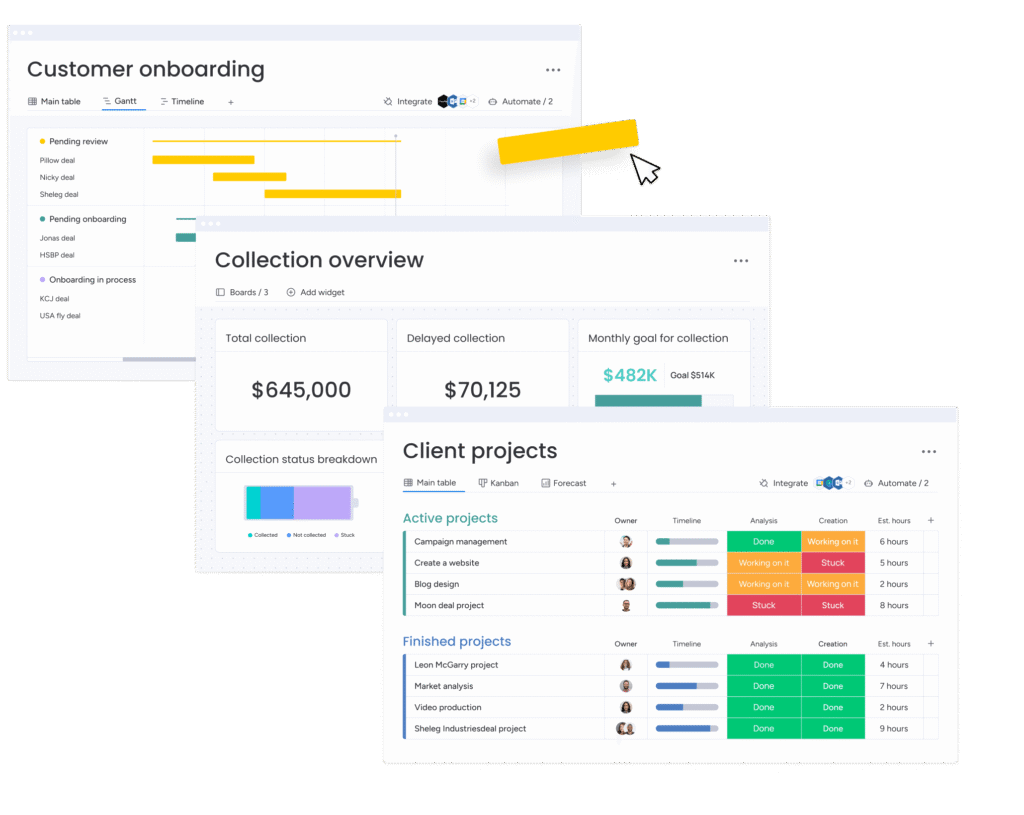
Migrate to monday CRM with a plan, not a gamble
Our monday CRM migration service moves your contacts, deals, history and workflows from Salesforce, HubSpot, Zoho or spreadsheets into monday CRM, rebuilt the way your team actually works. Structured, reversible and checked at every step, so you switch without losing momentum.



Switching CRM should not mean starting over
Most CRM migrations fail the same few ways. Records lost or duplicated. Automations and reports broken. Years of history stranded in the old system. The project drags for months, and halfway through the team quietly goes back to spreadsheets. The result is a new tool nobody trusts.
Contacts, deals and history scattered across tools, inboxes and spreadsheets
A current CRM your team finds slow, rigid or over-complicated
Reporting that leadership cannot rely on
A previous migration attempt that stalled or was abandoned
Already on monday CRM but not getting the results? See our monday.com optimization review.
We move you off the tools you are on today
Whatever you are running now, we have moved teams off it and onto monday CRM.
A migration, not just a data dump
Moving the data is the easy part. We rebuild the system around it so the team is faster on day one, not just relocated.
Data migration
Contacts, companies, deals, pipelines, activity history and attachments, mapped, cleaned and de-duplicated.
Workflow rebuild
Your sales process rebuilt as monday CRM boards, stages and views, not a copy of the old system's limits.
Automations
Assignments, reminders, approvals and handoffs recreated and, where it helps, improved.
Integrations
Email, calendar, forms and the other tools in your stack reconnected.
Dashboards & reporting
Leadership visibility restored from go-live, not months later.
Training & adoption
Role-based training so sales, operations and management actually use it.
A controlled, four-step migration
Audit
We map your current data, fields and workflows, and agree what to keep, clean or retire.
Map & design
We design your monday CRM structure and a field-by-field migration map that you sign off before anything moves.
Migrate
We move your data in a controlled run with integrity checks, with an optional parallel run so nothing stops.
Go-live & train
We launch, train your team by role, and stay close through the first sales cycles.
GCC teams trust us with the switch
monday.com's highest partner tier, a dedicated CRM accreditation, a local team, and a client list that includes the region's most demanding operations.
See the results in our monday.com case studies.
monday CRM migration, answered
How long does a monday CRM migration take?+
Will we lose any data when we migrate?+
Can we keep using our current CRM during the move?+
Which systems can you migrate from?+
Is it worth switching from HubSpot to monday CRM?+
Do you rebuild our automations and reports, or just move the data?+
How much does a monday CRM migration cost in the UAE?+
Do you train our team after the migration?+
Ready to move to monday CRM without the disruption?
Book a free migration assessment. We review your current setup, map what it takes to move, and give you a clear plan and timeline. No obligation.