monday.com AI capabilities bring powerful workflow automation to every team, enhancing
task execution with intelligent automation blocks and AI-powered tools. You can use monday
ai within boards to automatically extract insights, summarize text, and assign work based on
criteria set by your admin. This functionality helps streamline collaboration and boost
productivity across your entire workspace.
monday ai enhances task management by using ai block actions to detect sentiment,
improve text, and suggest next steps based on data stored in your columns and
automations. Teams can accelerate repetitive work with minimal manual steps.
Teams improve workflow performance by implementing AI-powered summaries for meeting
notes, auto-categorizing updates, and triggering actions when item values change.
Managers create reliable processes that reduce busy work while maintaining control over
outcomes.
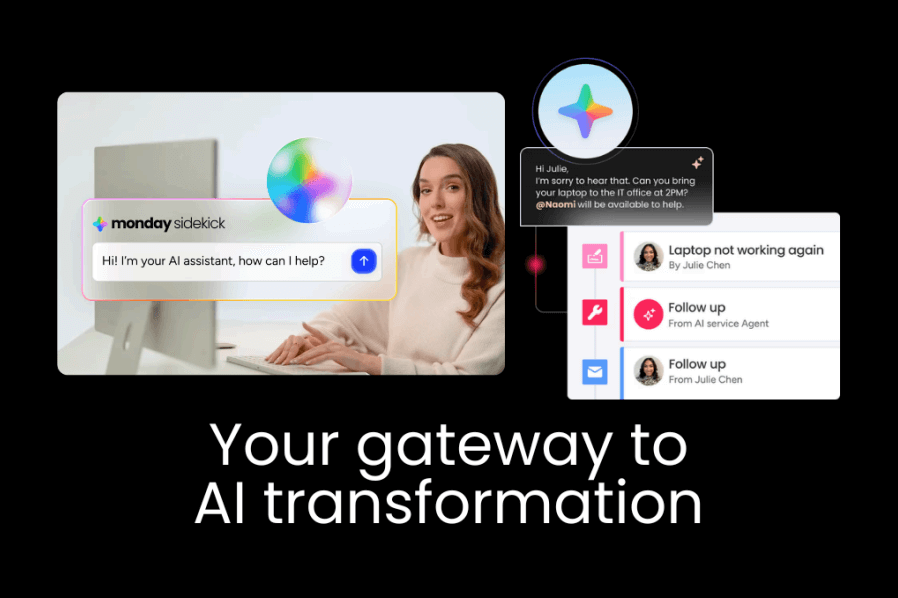
monday Sidekick pairs with ai block components to make your workspace more intuitive and
responsive. Sidekick acts as an assistant that can summarize conversation snippets,
generate content, and improve text directly in your items or docs. Combined with AI blocks,
these capabilities automate routine communication and workflow tasks with precision and
speed.
AI blocks let you improve text, assign people, or detect sentiment with a single configuration.
Teams can lighten repetitive typing while maintaining consistent quality across task
descriptions and board content.
monday Sidekick can generate concise summaries of item updates, draft clearer task
descriptions, and respond to prompts defined by your team, all without leaving the board.
This assistant accelerates daily operations and reduces context switching.
AI automation on monday.com enhances teams’ ability to streamline processes without
manual intervention. You build workflows that integrate ai powered actions with triggers and
logic across boards, then automate responses, notifications, or updates. This use of
automation blocks accelerates operations and reduces repetitive steps in core processes
throughout your workspace.
Integration of automation blocks lets you link actions from one board to updates on another,
ensuring seamless information flow and consistent task execution across teams.
Teams benefit from automated logic that sets timeline dates, updates columns, and notifies
stakeholders without manual input. This frees time for strategic work.
AI tools range from summarization and text improvement to custom action suggestions, all
designed to reduce manual work and keep operations moving.
AI capabilities accelerate daily tasks by automating data extraction, formatting content, and
performing routine classification without manual effort, improving clarity and output quality.
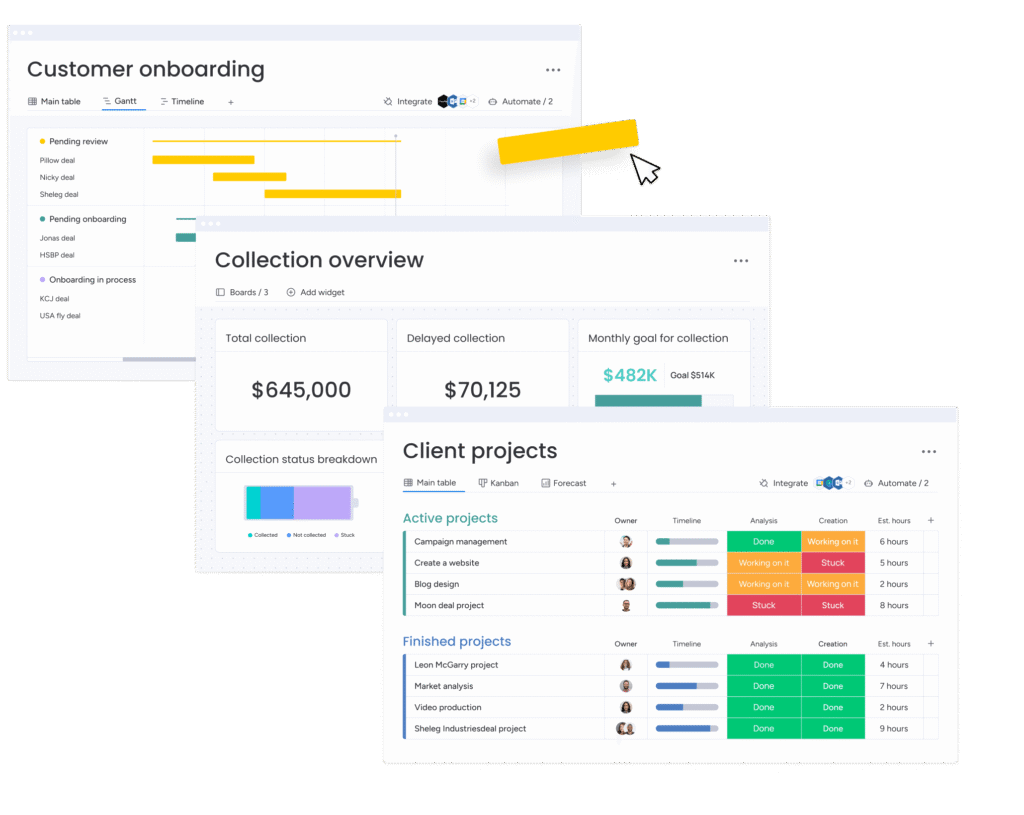
Teams use AI and automation within monday.com to enhance project tracking, generate
timely insights, and automate routine reporting tasks. For example, AI can summarize
customer interactions or updates, while workflow automations trigger alerts based on
predefined conditions. These use cases help teams spend less time on oversight and more
time on impactful, strategic work.
AI helps identify trends and potential delays by analyzing updates and status changes,
assisting managers in monitoring risk and progress.
Automation systems generate routine summaries and reports automatically, saving teams
hours of manual reporting each week.