















Meta Lean

monday.com Service Helpdesk Automation for Faster Support

Teams can handle customer requests more efficiently, reduce response time, and ensure smoother service operations, enhancing overall satisfaction while streamlining workflow processes across multiple departments simultaneously.

Trusted by Forward-Thinking
Organizations

Why Choose monday.com IT Service Management Solutions

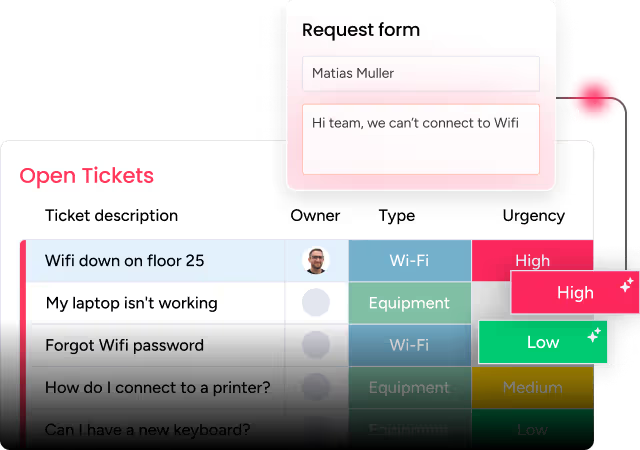
Ticket management becomes organized with clear prioritization, automated assignments, and real-time updates, allowing teams to focus on resolving issues rather than tracking progress manually.

monday.com Support Automation Services for Teams

Teams can handle customer requests more efficiently, reduce response time, and ensure smoother service operations, enhancing overall satisfaction while streamlining workflow processes across multiple departments simultaneously.

How monday.com Ticketing System Simplifies Work

Support teams coordinate tasks effectively, minimize manual effort, and track issues in real time, ensuring faster resolution while maintaining high service quality for internal and external stakeholders.

monday.com Helpdesk Setup for Fast Response

Organizations implement structured IT service management to monitor requests, enforce standards, and improve operational visibility while ensuring all tasks follow proper workflows efficiently.

Bring AI into your work with monday.com

How monday.com SLA Tracking Improves Efficiency

Setting up a helpdesk properly enables quick routing, automatic notifications, and consistent tracking, allowing teams to respond swiftly and keep service levels within expected timelines.
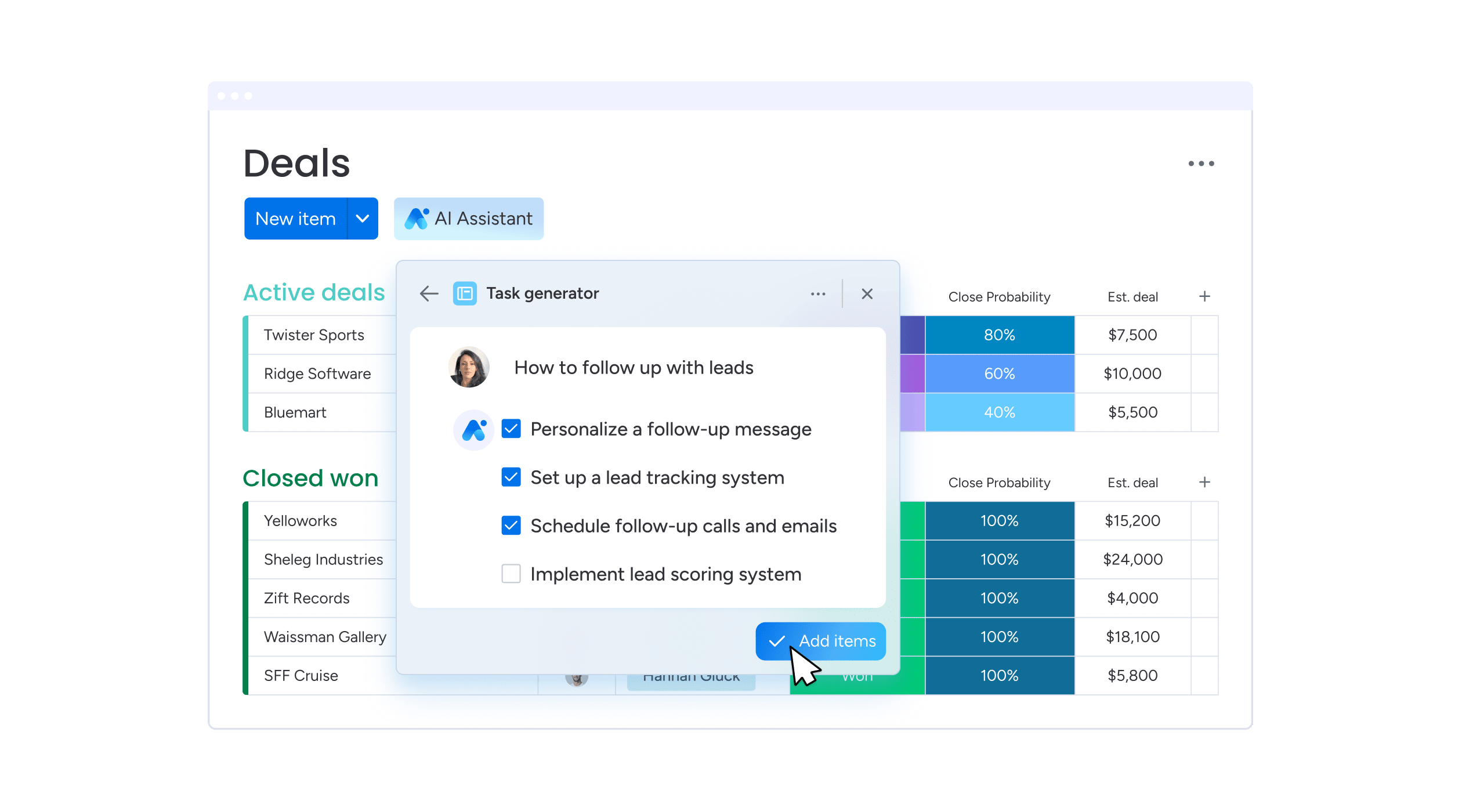
Automate Support Tickets in monday.com Easily

SLA tracking monitors response and resolution times, ensures accountability, and highlights delays promptly, helping teams maintain compliance while meeting customer expectations effectively.
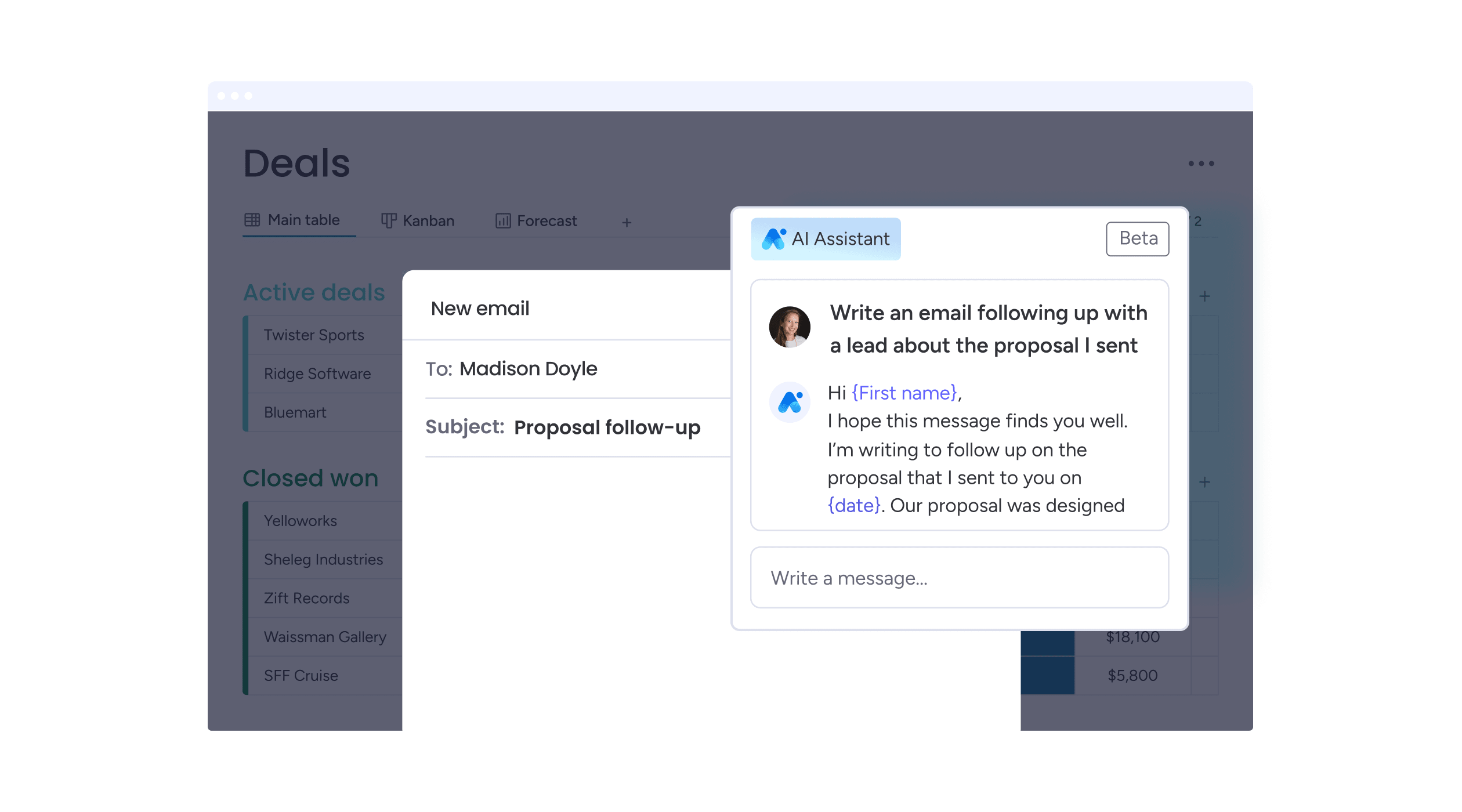
monday.com Internal Service Requests Made Simple

Automation assigns tickets, sets deadlines, and updates statuses without manual intervention, helping teams focus on resolving issues instead of repetitive administrative tasks efficiently.
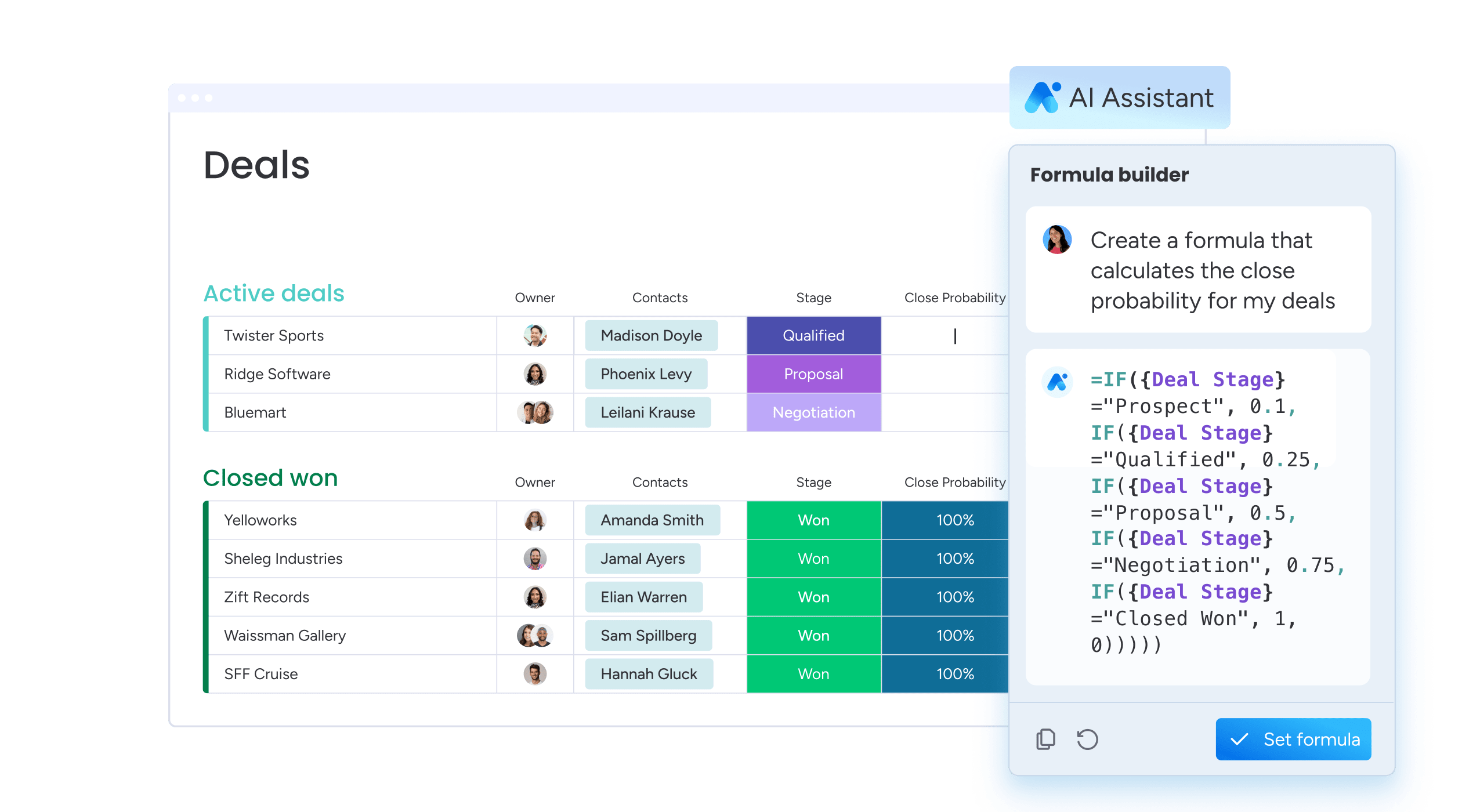
monday.com IT Helpdesk Automation for Better Support

Internal requests are tracked, prioritized, and routed to appropriate teams automatically, reducing delays and improving collaboration while keeping employees informed of task status in real time.

Let's talk about your monday.com setup

Whether you’re just getting started or looking to optimize your current setup, we’re here to tailor monday.com to fit your business needs. From CRM and project management to marketing automation and custom dashboards — we’ll handle the full implementation, onboarding, and training.

Got Questions? You’re Not Alone

Helpdesk automation uses smart rules to route and update support requests automatically.
This reduces manual ticket handling and speeds up response times.

Yes, you can configure rules that create support items when new issues arise.
Teams no longer must manually enter tickets for every request.

Support automation can route tickets to assigned teams or people based on conditions.
This ensures issues always land with the right responder without manual assignment.

Yes, the system logs conversations, status changes, and resolution notes for each ticket.
This historical data helps improve service quality over time.

You can set up automations to create tickets from incoming messages automatically.
This connects communication channels directly to support workflows efficiently.

Yes, support teams can manage requests using the Monday.com mobile app on the go.
This ensures responses stay timely regardless of location.

Automation rules can tag or sort tickets based on keywords or inputs.
This helps speed up categorization and team response plans.

Yes, you can set alerts that notify teams and customers on key ticket actions.
This keeps all stakeholders informed about progress and changes.

Yes, you can track whether responses meet predefined time targets or service levels.
This helps teams maintain consistent support performance.

Automations handle repetitive tasks, status updates, and notifications without manual input.
This frees staff to focus on complex customer issues.

top

Inactive