














Meta Lean

Optimize Workflows with monday.com AI Automation

AI automation streamlines task assignments, updates boards automatically, and enhances overall workflow efficiency across teams. This reduces manual effort while improving timely project execution.

Organizations We've Transformed
with Tailored Solutions

What monday.com ai workflows Can Do for Teams

AI automation streamlines task assignments, updates boards automatically, and enhances overall workflow efficiency across teams. This reduces manual effort while improving timely project execution.

How monday.com ai setup Works for Your Business

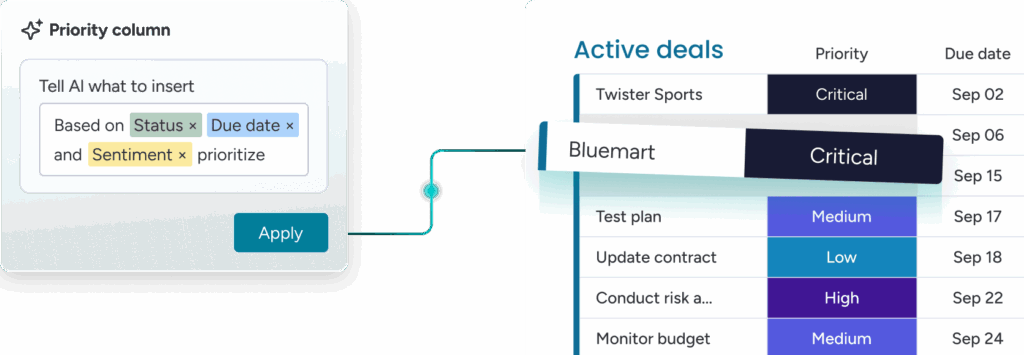
AI workflows suggest actions, automate repetitive tasks, and summarize updates. Teams gain faster insights, improved collaboration, and consistent progress tracking across projects and departments simultaneously.

When to Start monday.com ai Implementation

You configure AI within boards using admin controls and prompts. The system automates processes, generates suggestions, and aligns team work without requiring coding expertise.

What a monday.com ai automation setup Involves

AI implementation is best initiated after defining workflow priorities and board structures. Early integration ensures teams automate repetitive tasks and accelerate project timelines efficiently.

Bring AI into your work with monday.com

How AI Helps Improve Team Productivity

Setup involves selecting triggers, actions, and AI-generated suggestions. Teams map tasks to automation sequences, enabling smarter, faster operations with minimal manual monitoring afterward.
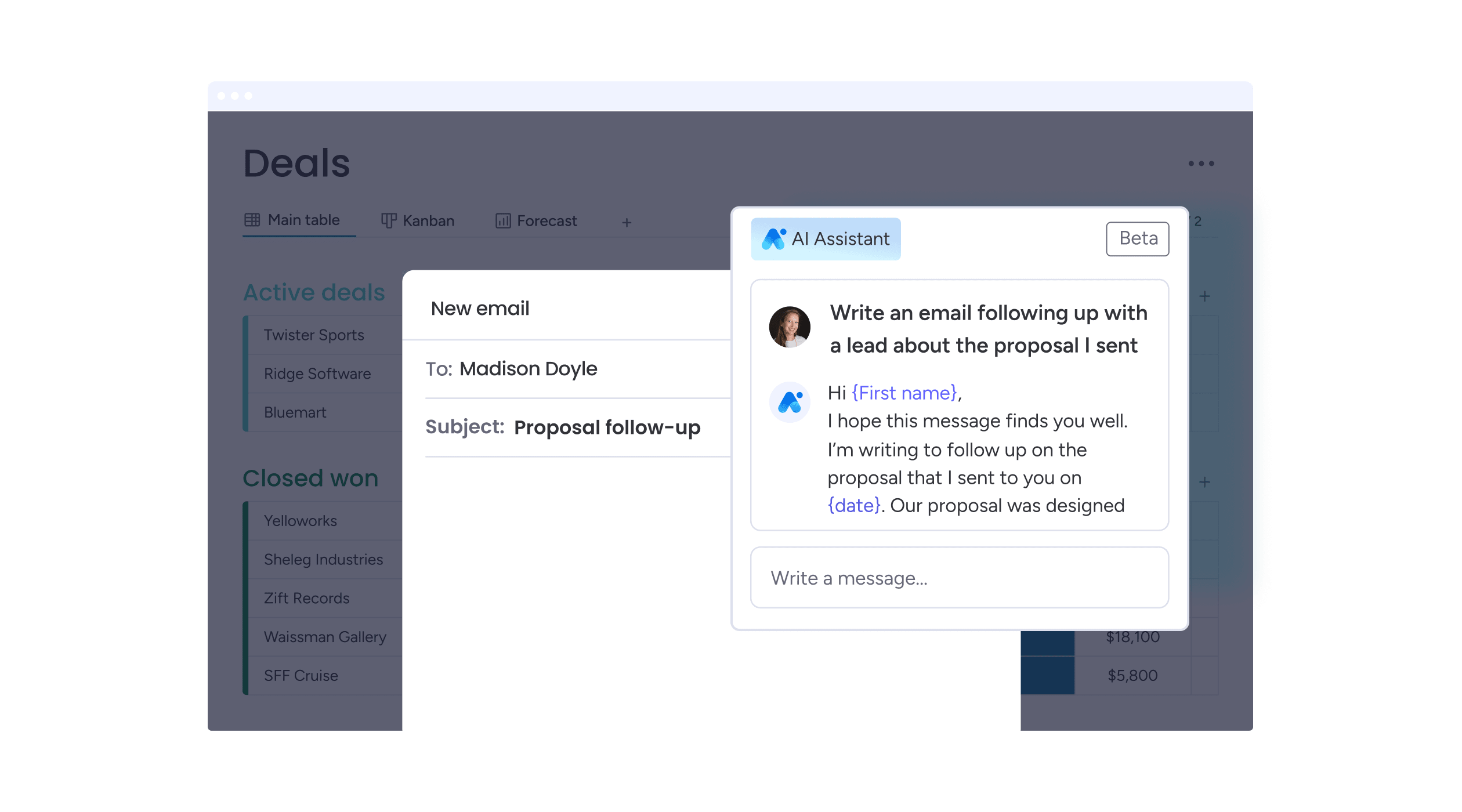
How monday.com Workflow Builder Uses AI

AI accelerates repetitive processes, organizes task priorities, and recommends updates. Teams save time, focus on strategic work, and maintain consistent project momentum consistently.
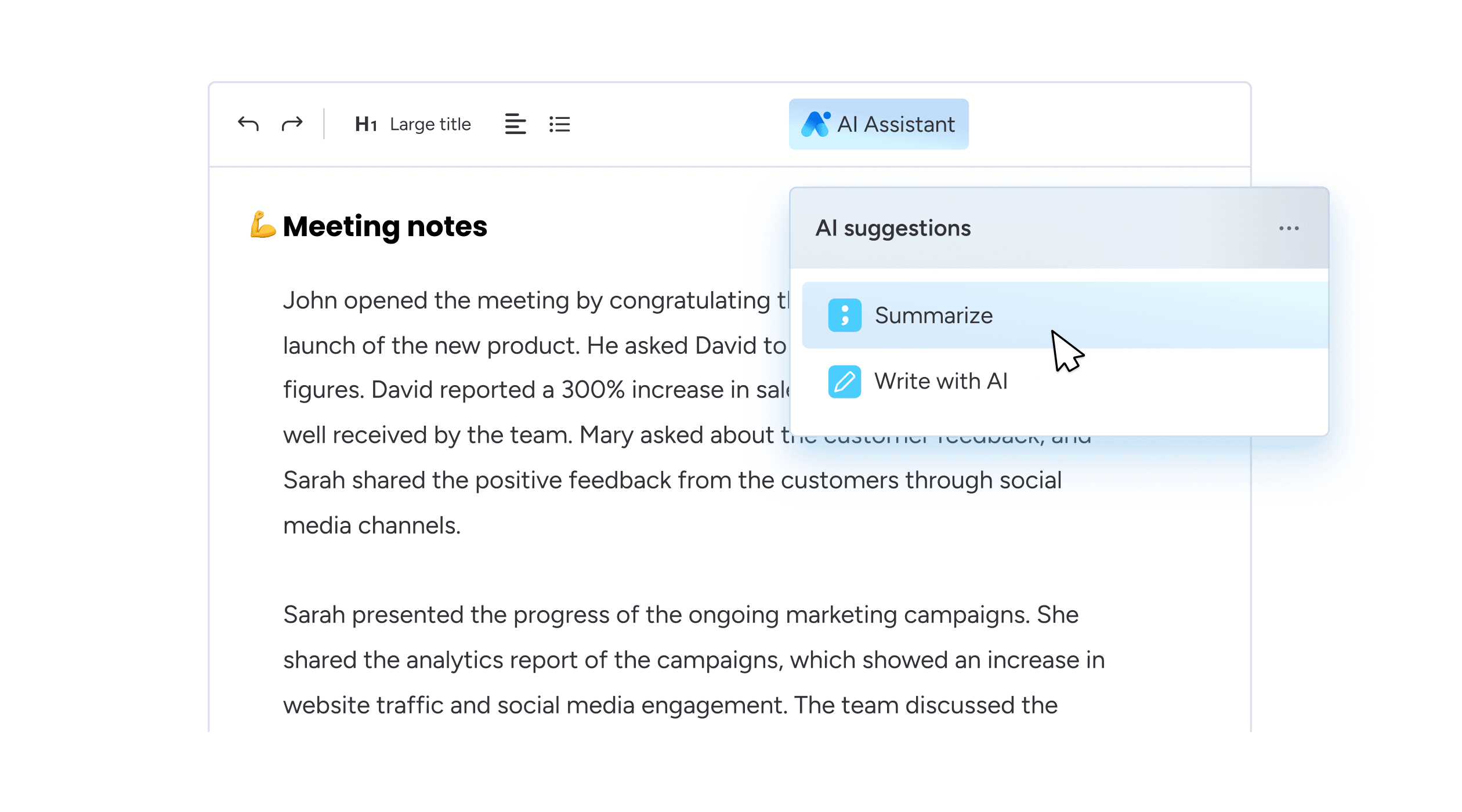
Which AI Features Accelerate Daily Tasks

Features include automated text generation, priority tagging, task reminders, and progress tracking. These AI tools enable teams to perform more efficiently with less manual effort.
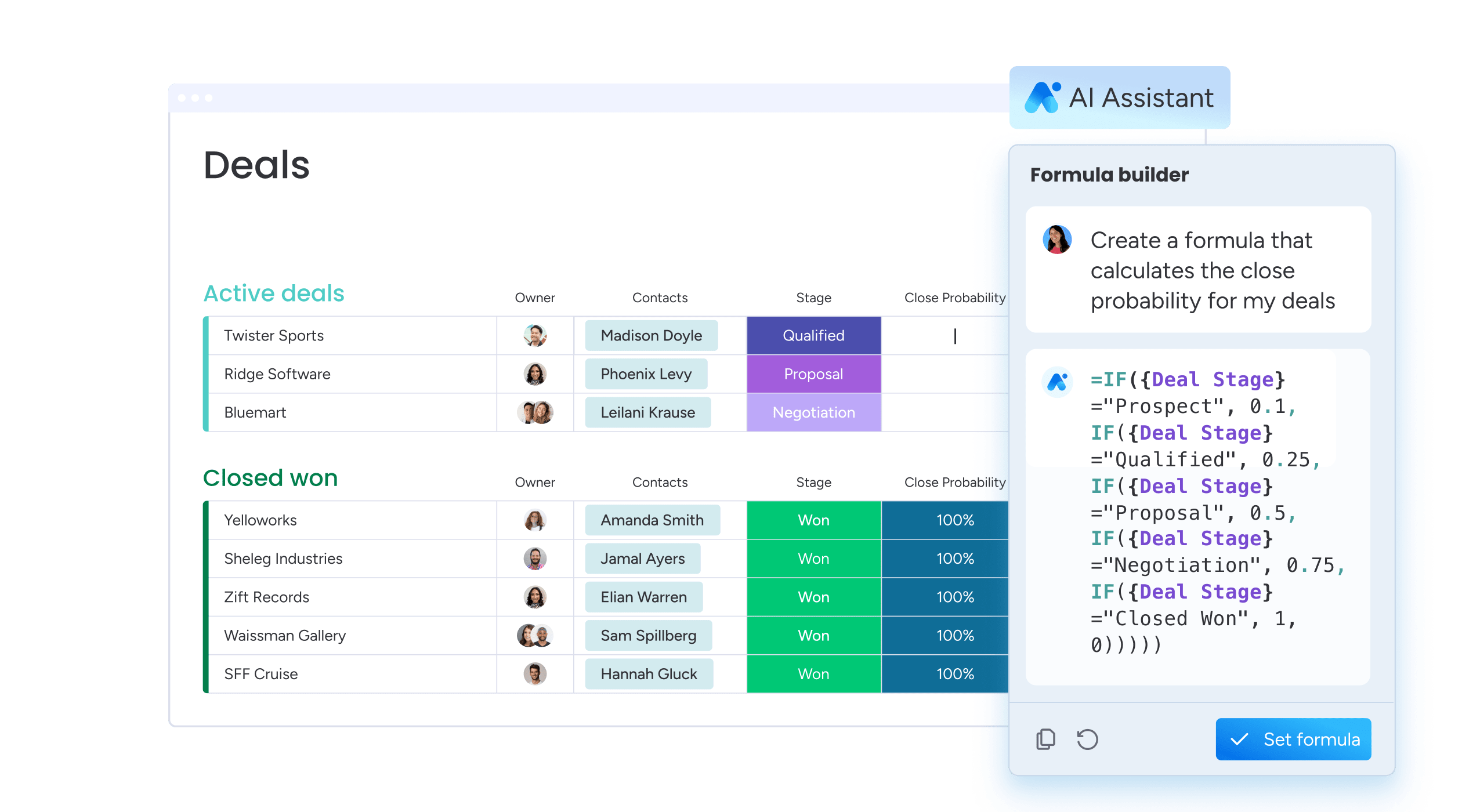
How monday.com AI Supports Cross‑Team Work

AI ensures information flows across boards, updates stakeholders automatically, and maintains shared project visibility. This fosters coordination, reduces delays, and aligns all team members toward goals.

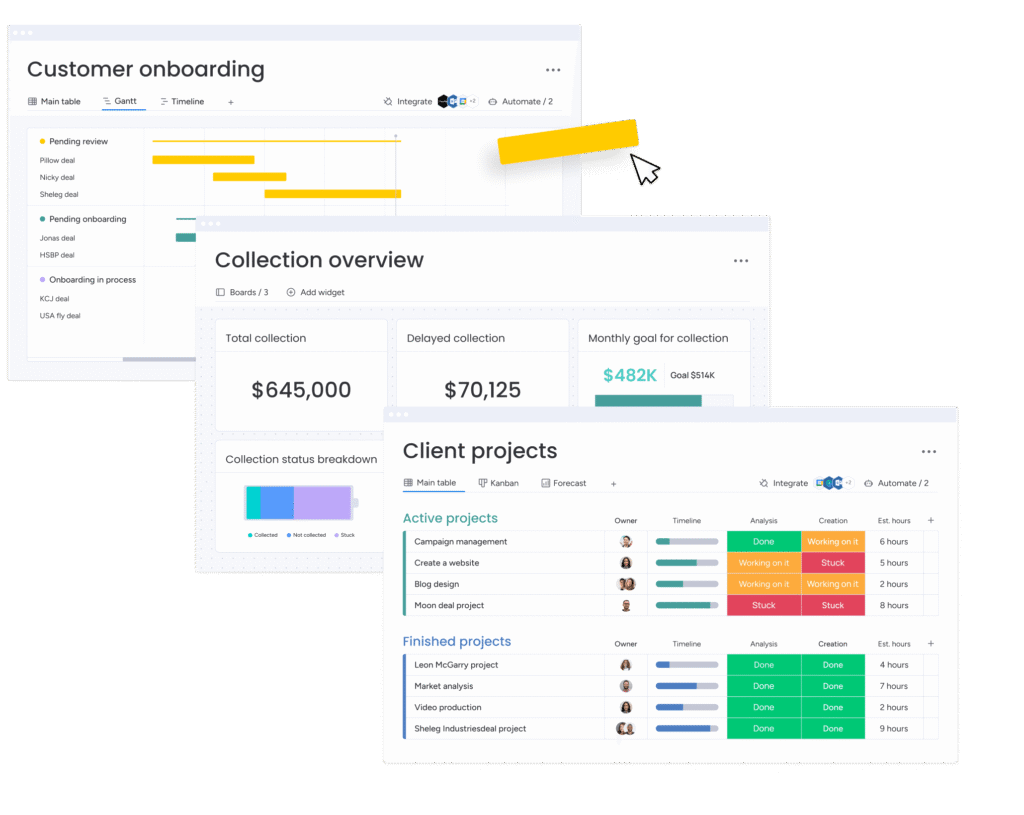
Get the most out of monday.com AI
with Meta Lean

Tailored setup

As certified monday.com CRM specialists, we ensure that your CRM is set up exactly according to your processes and needs.

Training & Support

Training & Support With our personalized approach, we make sure your team confidently and efficiently gets started with monday.com CRM.

Automation & Integration

Let us handle the heavy lifting by automating workflows and integrating monday.com CRM with your existing systems.

Let's talk about your monday.com setup

Whether you’re just getting started or looking to optimize your current setup, we’re here to tailor monday.com to fit your business needs. From CRM and project management to marketing automation and custom dashboards — we’ll handle the full implementation, onboarding, and training.

Got Questions? You’re Not Alone

monday.com AI automation uses built‑in smart logic to perform tasks without manual input.
It reduces repetitive work and keeps boards updated automatically.

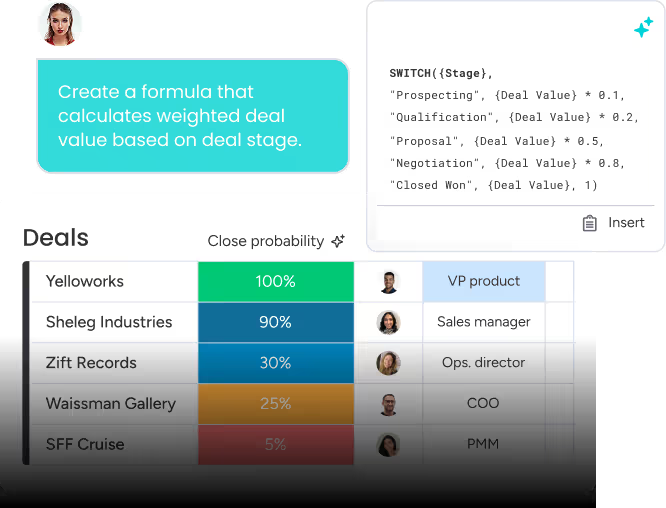
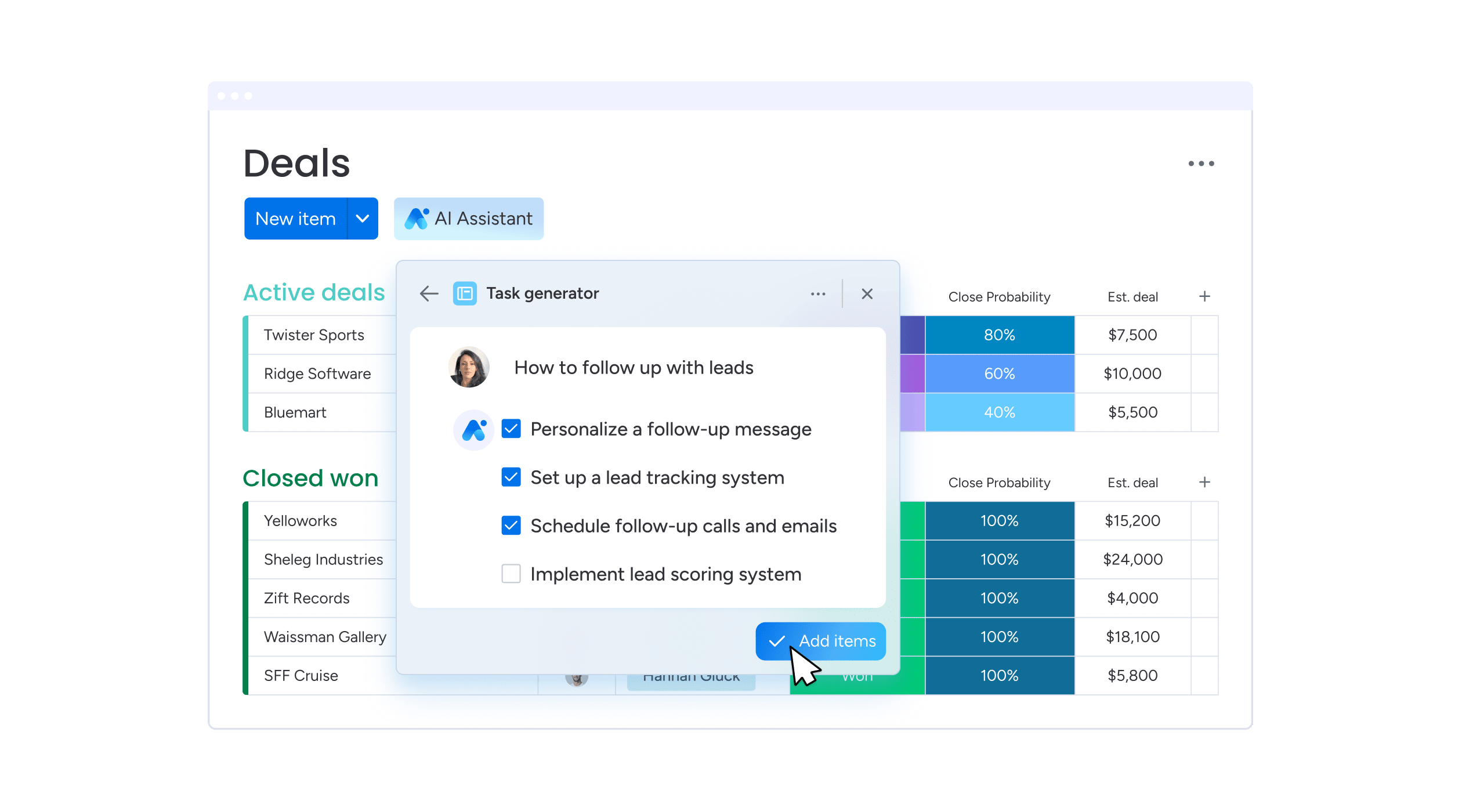
Yes, AI can auto‑generate tasks based on triggers or descriptions you provide.
This saves teams time on routine planning and follow‑up.

No, configuration is visual and prompt‑based in the workflow builder interface.
Teams activate automations without technical coding expertise.

Yes, AI checks conditions and applies rules consistently without manual intervention.
This prevents human oversight and supports predictable execution.

Yes, AI can summarize long text and create concise updates for team boards.
This helps members catch up quickly on communications.

AI can trigger reminders based on dates, statuses, or priority shifts defined by teams.
This ensures tasks don’t fall behind schedule.

AI works alongside native integrations and automations set within your workspace.
It enhances, but doesn’t replace, core system connectivity features.

Teams add examples or prompts inside automation settings to guide AI behavior. The system then applies learned patterns to similar tasks automatically.

Yes, AI suggests task sequences based on past patterns and dependencies you set. This supports better project alignment and planning consistency.

AI automations can update linked boards simultaneously based on defined triggers. This maintains consistency across multiple project areas without manual steps.

top

Inactive