How to Use Monday CRM for Sales: A Step-by-Step Guide for Faster Deals
Monday CRM helps you manage leads, organize deals, automate follow-ups, and close opportunities faster. This guide explains the steps to set up your CRM, build a clean pipeline, and streamline your sales operations.
The first step in using Monday CRM for sales is creating a structured workspace. A clean setup ensures your leads, contacts, accounts, and deals stay organized and connected.
Steps
Create core boards including Leads, Contacts, Accounts, and Deals.
Import your data using CSV, Excel, Google Sheets, or native integrations.
Connect boards so Contacts, Accounts, and Deals stay linked and updated.
Add essential sales columns such as Deal Value, Stage, Owner, Expected Close Date, and Probability.
Outcome
You get a centralized CRM setup where every sales record is clean, searchable, and fully connected.
Build Your Sales Pipeline
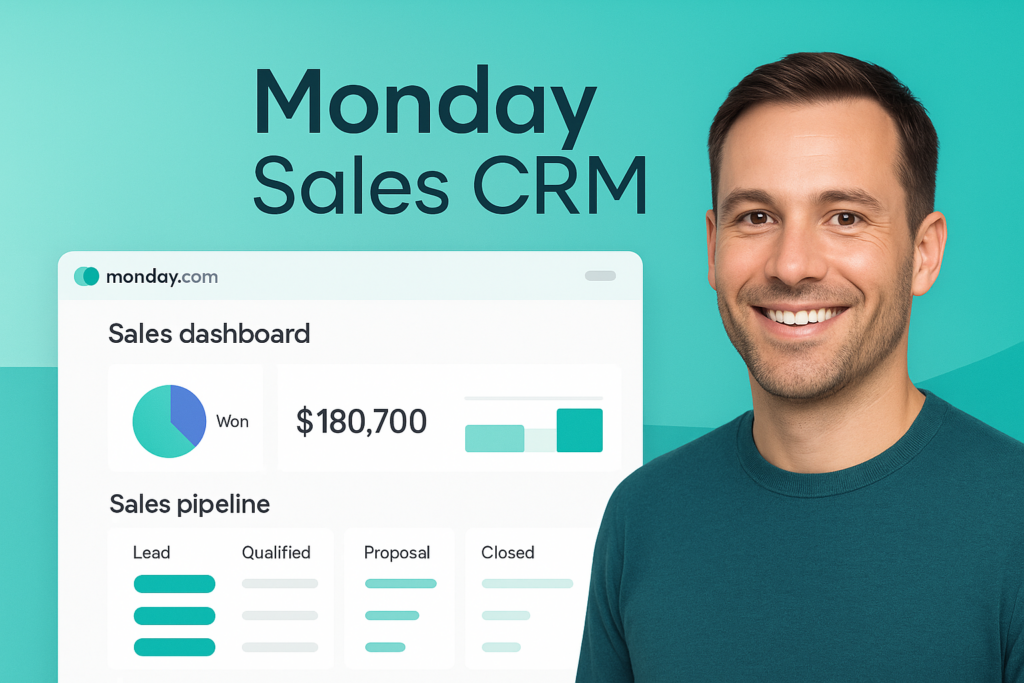
Your pipeline is the visual sales journey. It shows where every deal is and what the next step should be.
Steps
Add pipeline stages such as Prospecting, Qualification, Demo, Proposal, Negotiation, Closed Won, or Closed Lost.
Use status columns to track progress clearly across each stage.
Switch to Kanban view to move deals between stages easily.
Enable automation so Monday CRM can assign owners, notify managers, and remind reps when deals become inactive.
Outcome
You get a real-time visual pipeline that keeps your team aligned and speeds up deal closure.
If you want a fully optimized Monday CRM setup including pipeline design, automation, dashboards, and integrations, our certified monday.com specialists can build your complete sales system.
Want to improve how your pipeline and automations work in Monday CRM? Our certified monday.com specialists can review your setup and suggest a cleaner, more efficient CRM structure.
Track Emails, Calls and Sales Activities
Once your pipeline is set up, the next step is keeping every interaction organized. Monday CRM makes it simple to track communication in one place so your sales process stays clear and consistent.
How to Track Activity
Use the item card to log every email, call, meeting, and follow-up. Send and receive emails directly inside Monday CRM using the native email integration so communication stays attached to each deal. Add notes after calls or demos so your team always knows the latest update. Assign tasks to team members for follow-ups, proposals, or contract preparation. Attach files such as quotes, proposals, or meeting documents to keep deal records complete.
Why This Matters
A complete activity history removes confusion, keeps the team aligned, and ensures no lead goes cold due to missed communication. Sales managers also get better visibility into deal health because everything is recorded in one place.
Automate Follow Ups and Sales Tasks
After your CRM and pipeline are set, the most important step is automation. Automation ensures your sales team never misses a follow up, updates deals on time, and handles leads faster without manual work.
How to Use Automation
Set automatic reminders when a deal becomes inactive so your team follows up on time. Create rules that assign new leads to the right salesperson instantly. Trigger notifications when a deal moves to a key stage like Proposal or Negotiation. Automatically update dates, owners, or status fields based on activity. Create templates for common actions like sending proposals or confirming meetings.
Why Automation Matters
It removes repetitive tasks, prevents delays, and keeps your pipeline moving smoothly. Teams using structured automation usually close deals faster because no step is forgotten.
Use Dashboards to Monitor Sales Performance
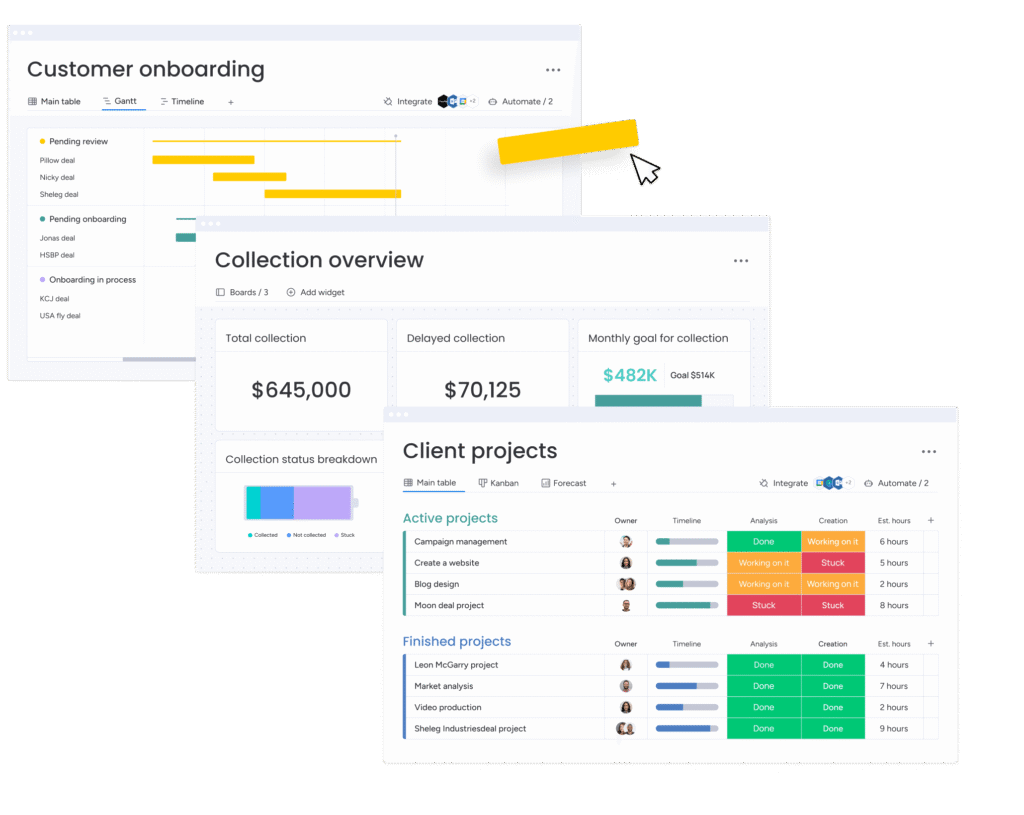
Dashboards give your team real visibility into sales numbers, deal progress, and overall performance. With Monday CRM, you can create a complete sales snapshot in just a few clicks.
What to Add in Your Dashboard
Use the Chart widget to see deals by stage or status. Add a Numbers widget to track total pipeline value, monthly revenue, or won deals. Use Workload view to monitor team capacity and follow-up distribution. Add a Forecast widget to estimate upcoming revenue based on current deal stages. Display activity logs to see how often deals are updated or contacted.
Why Dashboards Matter
They help you make better decisions, find bottlenecks quickly, and keep everyone aligned. Managers get real-time insights without needing manual reports.
Best Practices to Close Deals Faster
Once your CRM, pipeline, activity tracking, and automation are in place, applying best practices ensures every deal moves smoothly toward closure.
Best Practices
Update deal stages daily so your pipeline stays accurate. Log emails and calls immediately so follow-up history remains complete. Use automation to trigger reminders and reduce manual workload. Attach proposals, contracts, and quotes inside the item card to keep everything organized. Review dashboards weekly to spot slow-moving deals. Set clear next steps for every opportunity so momentum never drops.
Outcome
Your sales process becomes consistent, repeatable, and easier to scale. Teams close deals faster because nothing gets lost or delayed.
If you are ready to set up Monday CRM properly, a certified monday.com implementation specialist can help you build workflows, automation, dashboards, and a clear sales process.